- AI PlanetX
- Posts
- AI Godfather Picks Google Over OpenAI

In partnership with


Welcome to another edition of AI PlanetX.
Google tipped to surpass OpenAI as Geoffrey Hinton weighs in; OpenAI plans a $4.6B GPU supercluster; Perplexity faces lawsuits from NYT and Chicago Tribune.
Inside This Edition: 💎
Hottest AI News
Top AI & SaaS Tools
AI Tutorial: Create High Converting Business Ads
Top AI & Tech News
AI Art Spotlight
Prompt of the Day: 7 Presentation Prompts That Actually Work
AI Video Tutorial
Weekly Creator Playbooks to Grow on Social
Hottest AI News
DeepMind
“Godfather of AI” Geoffrey Hinton Says Google Will Beat OpenAI in the AI Race
Geoffrey Hinton, the "Godfather of AI" and 2024 Nobel Prize winner, says Google is starting to pull ahead of OpenAI in the AI race. He explains that while Google began cautiously, its massive infrastructure is giving it a powerful advantage.
Details:
Google has reportedly surged past OpenAI’s GPT-5 with its Gemini 3 and Nano Banana Pro, reversing the dynamic so sharply that OpenAI is the one “sounding the alarm,” just three years after Google’s own “code red”
Hinton cites Google’s chip manufacturing, a potential billion-dollar Meta deal, and its deep data and talent as major advantages. He notes Google once held back innovations like transformers to avoid PR issues, even as recent missteps appeared with “woke” image outputs
To honor Hinton’s work, Google is donating $10 million CAD—matched by the University of Toronto—to create the Hinton Chair in Artificial Intelligence, recognizing his legacy after he left in 2023
"My guess is Google will win," Hinton concluded, signaling that the search giant has successfully pivoted from caution to dominance.
Create how-to video guides fast and easy with AI
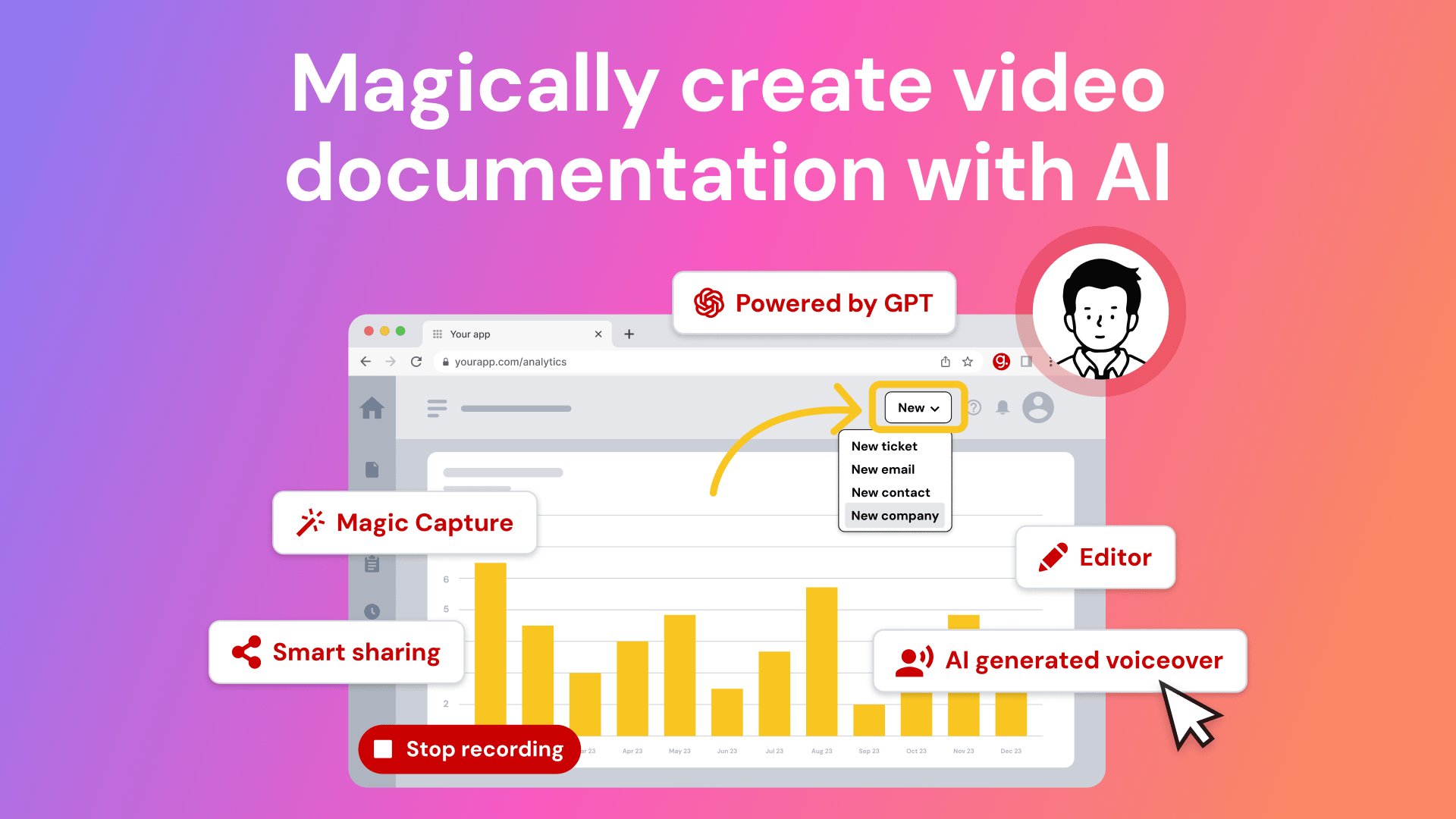
Tired of explaining the same thing over and over again to your colleagues?
It’s time to delegate that work to AI. Guidde is a GPT-powered tool that helps you explain the most complex tasks in seconds with AI-generated documentation.
1️⃣Share or embed your guide anywhere
2️⃣Turn boring documentation into stunning visual guides
3️⃣Save valuable time by creating video documentation 11x faster
Simply click capture on the browser extension and the app will automatically generate step-by-step video guides complete with visuals, voiceover and call to action.
The best part? The extension is 100% free
OpenAI
OpenAI to Build Massive $4.6 Billion "GPU Supercluster" in Australia
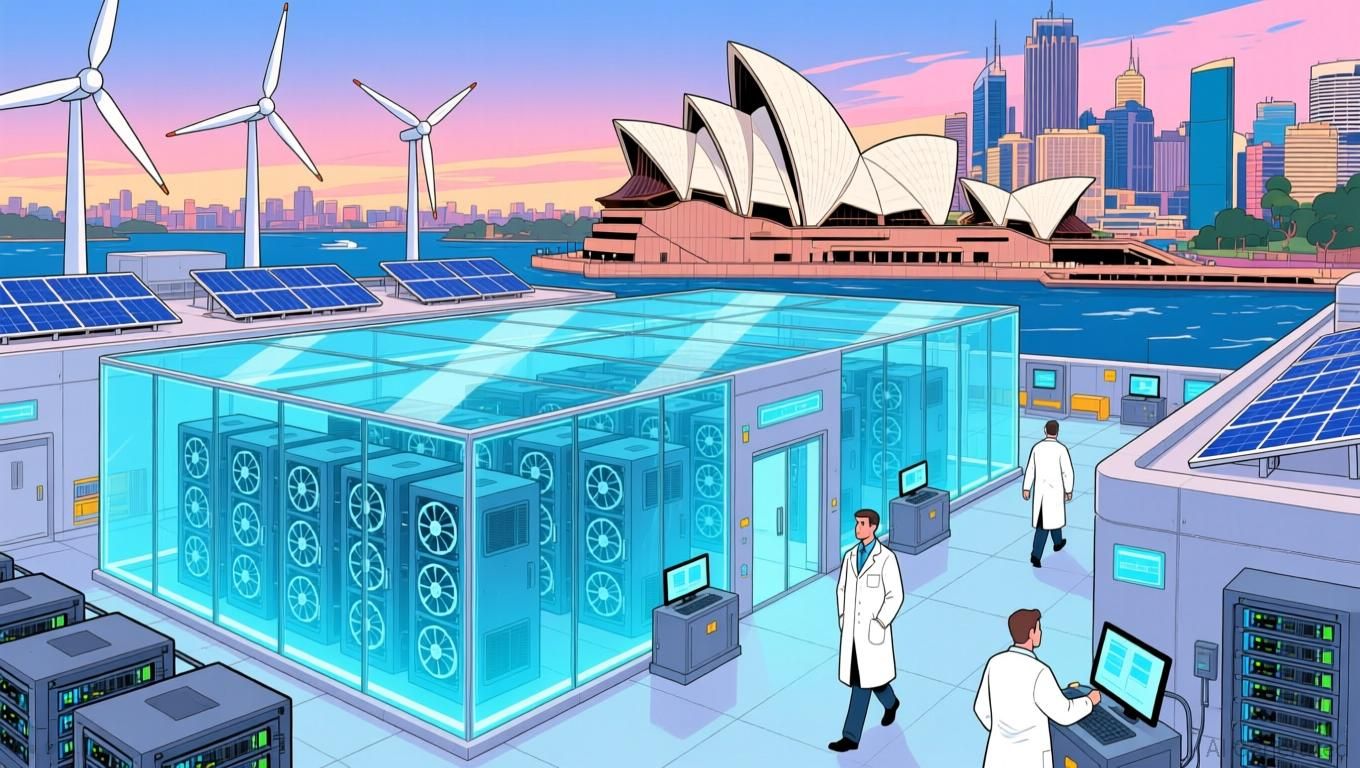
OpenAI has officially partnered with Australian data center operator NextDC to establish a massive AI infrastructure campus in Sydney, aiming to create one of the most advanced facilities in the Asia-Pacific region.
Details:
The two companies signed a 4.6-billion deal (AU 7 billion) to build a hyperscale AI campus and GPU supercluster in western Sydney, starting with the S7 sovereign facility. The announcement pushed NextDC shares up 4.1%
Officials expect the project to create thousands of jobs across construction, engineering, and manufacturing. Treasurer Jim Chalmers said the agreement shows Australia’s talent and policies make it a "big winner" in AI race
To meet the center’s energy demands, it will use long-term renewable power agreements and next-generation cooling systems that operate without drinking water, keeping infrastructure sustainable
This major collaboration highlights Australia's growing role in the tech world, leveraging its clean energy potential to power the next generation of artificial intelligence.
Top AI & SaaS Tools
FlexiFunnels (Life-time Deal): AI-powered platform that generates complete, conversion-optimized websites, sales funnels, and courses from a single prompt
Antigravity: AI-powered IDE where autonomous agents can write, run, and test code to help you build software (Opus 4.5 Thinking included) [F-R-E-E]
Ripplica: Record a workflow once, and AI agents will repeat it across your browser apps—no code, APIs, or prompts needed [F-R-E-E]
Qwen3-TTS: A major upgrade with many high‑quality voices, support for 10 languages, and significantly more natural rhythm and pacing [F-R-E-E]
NotebookLM: Character limit for Chat customization increased from 500 to 10,000 characters, allowing creation of much more detailed personas [F-R-E-E]

Attention spans are shrinking. Get proven tips on how to adapt:
Mobile attention is collapsing.
In 2018, mobile ads held attention for 3.4 seconds on average.
Today, it’s just 2.2 seconds.
That’s a 35% drop in only 7 years. And a massive challenge for marketers.
The State of Advertising 2025 shows what’s happening and how to adapt.
Get science-backed insights from a year of neuroscience research and top industry trends from 300+ marketing leaders. For free.
AI Tutorial
How to Create High Converting Small Business Ads With AI
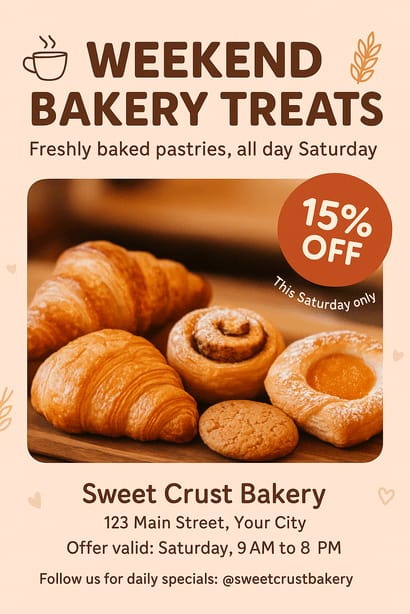
If you’ve ever struggled to design ads that look professional, this tutorial will fix that. ChatGPT can connect directly to Canva, letting you generate and customize posters with almost no effort.
Prepare tools
Log in to both ChatGPT and Canva. In ChatGPT, tap on profile icon → Settings → Apps and Connectors. Find Canva and connect your Canva account.
Write clear prompt
Ask ChatGPT to create your poster by describing the purpose, audience, format, and any important details.
Example prompt:
Create a vertical 18×24 promotional poster in Canva for my local bakery’s weekend sale, featuring fresh pastries, warm colors, and a highlighted 15% discount available on Saturday.Review design options
ChatGPT will generate multiple poster variations. Press on any option to preview it. When one catches your attention, choose Open in Canva from the top so you can jump directly into full editing mode.
Customize design in Canva
Once inside Canva, refine visuals to match your brand.
Use these tools when necessary:
Adjust text, colors, fonts, and layout
Swap images or upload your own brand photos
Add your logo, business name, or tagline
Reduce manual editing
Make your prompts more specific before generating the design, so fewer edits are needed. Add details like:
Exact brand colors
Your store name, event date, and promo details
Preferred visual style (minimalist, bold, hyper-realistic, vintage, geometric, etc.)
Add final touches
Use Canva to improve clarity and visual impact.
You may:
Strengthen the main headline
Increase contrast on key promotional text
Use Canva’s visual hierarchy tools to make pricing or dates stand out
Test slight layout variations until everything feels balanced
Export or print finished poster
In Canva, go to Share → Download → PDF Print. Choose RGB if it’s for digital distribution or CMYK if you plan to print the file. You can also print directly with Canva.
Note: Use high contrast on your main message so it’s readable even when viewed on a phone.
Top AI & Tech News
New York Times and Chicago Tribune sued Perplexity, alleging the AI company used their articles without permission and harmed their brands
Google has released Gemini 3 "Deep Think," an enhanced reasoning mode available to Google AI Ultra subscribers via the Gemini app
Anthropic is piloting a one-week program where AI interviews users for 10–15 minutes about their experiences and expectations with AI
Meta signed AI data deals with major news publishers to feed real-time global, entertainment, and breaking news into its Meta AI chatbot
AI Art Spotlight
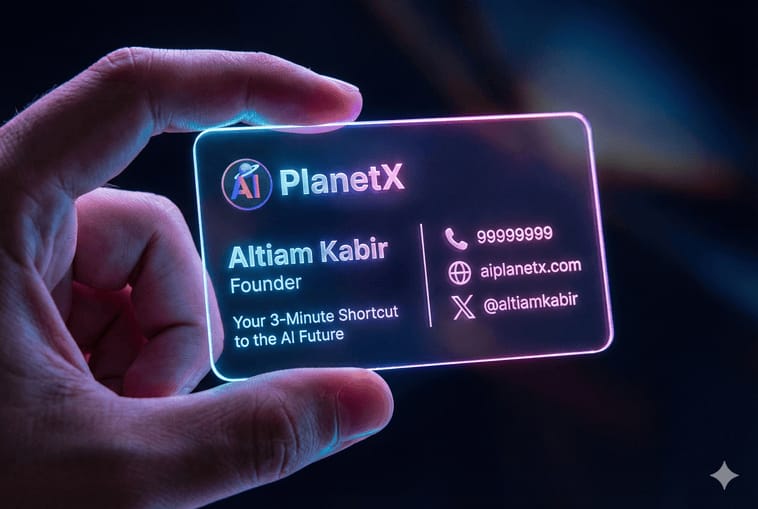
Create Your Own Photo Like This Using the Prompt Below:
A realistic cyber-aesthetic futuristic business card photograph: a left hand is holding a horizontal, acrylic, borderless card the size of a standard business card (3.5" × 2" ratio), filling most of the frame. The card displays a personal business card layout without any banners or background images. It features smooth, rounded edges and emits a soft neon glow with gradients of blue, pink, and purple. The background is dark and blurred to highlight the glowing edges, while cinematic reflections of light appear on the fingertips holding the card, creating a high-tech, holographic atmosphere. The card surface is crystal-clear, and the text elements appear finely engraved.
If a logo is provided, integrate it into the design; if not, create a clean typographic logo based on the company name.

If any field is left blank, automatically fill it with visually appealing and context-appropriate design elements.

The final business card should have a balanced layout, clean lines, and clear visual hierarchy, suitable for professional printing.

Name: [Insert Name]
Title: [Insert Title]
Company Name: [Insert Company Name]
Logo: [Use attachment / Create based on company name / Leave blank]
Contact Information:
  - Phone ( icon ): [Phone Number]
  - Email ( icon ): [Email Address]
  - Website ( icon ): [Website URL]
X (X logo): [X username]

Additional Elements: [Social media / QR code / Tagline / Leave blank]
Model: Nano Banana Pro
Prompt of the Day
7 AI Presentation Prompts That Actually Work
Most people type “Make a presentation for me” and then wonder why the slides look boring or random. This post fixes that. You’ll get simple, copy-paste prompts that tell AI exactly what kind of presentation you want—whether it’s a deep research deck with data and case studies, a beginner-friendly explainer, an investor pitch, a corporate-style report, or a full slide deck with a speaker script. (Log in to X to see the prompts)
Top AI Video Tutorial
Give Me 9 Minutes, I’ll Make You AI Native
Want Weekly Creator Playbooks to Grow on Social?

Want to stand out and grow your social presence? Join 10K+ creators getting weekly playbooks to build a creator business that pays.
Unlock $10,000+ Worth of F-R-E-E Creator Blueprints, including: 👇
|
|