- AI PlanetX
- Posts
- Anthropic Adds Opus Quick Mode

In partnership with


Welcome to another edition of AI PlanetX.
Anthropic speeds up Claude Opus 4.7 for devs; Googlebook hints at Google’s first real AI laptop as Meta upgrades Meta AI with quicker voice responses and camera recognition.
Inside This Edition: 💎
Hottest AI News
Top AI & SaaS Tools
AI Tutorial: Test Multiple AI Models
Top AI & Tech News
AI Art Spotlight
Prompt of the Day: Brain Workout Prompt
Featured AI Video
Weekly Creator Playbooks to Grow on Social
Hottest AI News
Anthropic
Claude Opus 4.7 Fast Mode Arrives For Developers
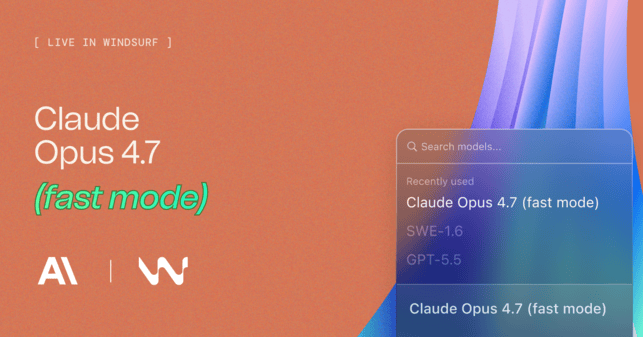
Claude Opus 4.7 Fast Mode is in research preview for the API and Claude Code. It gives developers a quicker way to use Opus for coding, debugging, agents, and urgent build work.
Details:
In the API, use speed: "fast" with claude-opus-4-7 and the fast-mode beta header. Availability is limited while Anthropic gathers feedback and lets teams join the waitlist
In Claude Code, Fast Mode needs version 2.1.139 or later. Turn it on with /fast, or opt in until May 14, 2026 using CLAUDE_CODE_ENABLE_OPUS_4_7_FAST_MODE=1
The gain is speed: up to 2.5x higher output token generation with the same model behavior. The tradeoff is premium pricing, listed at 6x standard rates
Windsurf and OpenRouter already list Opus 4.7 Fast, making it a serious choice for coding teams that care about latency, flow, and quick AI-assisted development.
Turn AI Into Extra Income

You don’t need to be a coder to make AI work for you. Subscribe to Mindstream and get 200+ proven ideas showing how real people are using ChatGPT, Midjourney, and other tools to earn on the side.
From small wins to full-on ventures, this guide helps you turn AI skills into real results, without the overwhelm.
DeepMind
Googlebook Could Be Google’s First Real AI Laptop
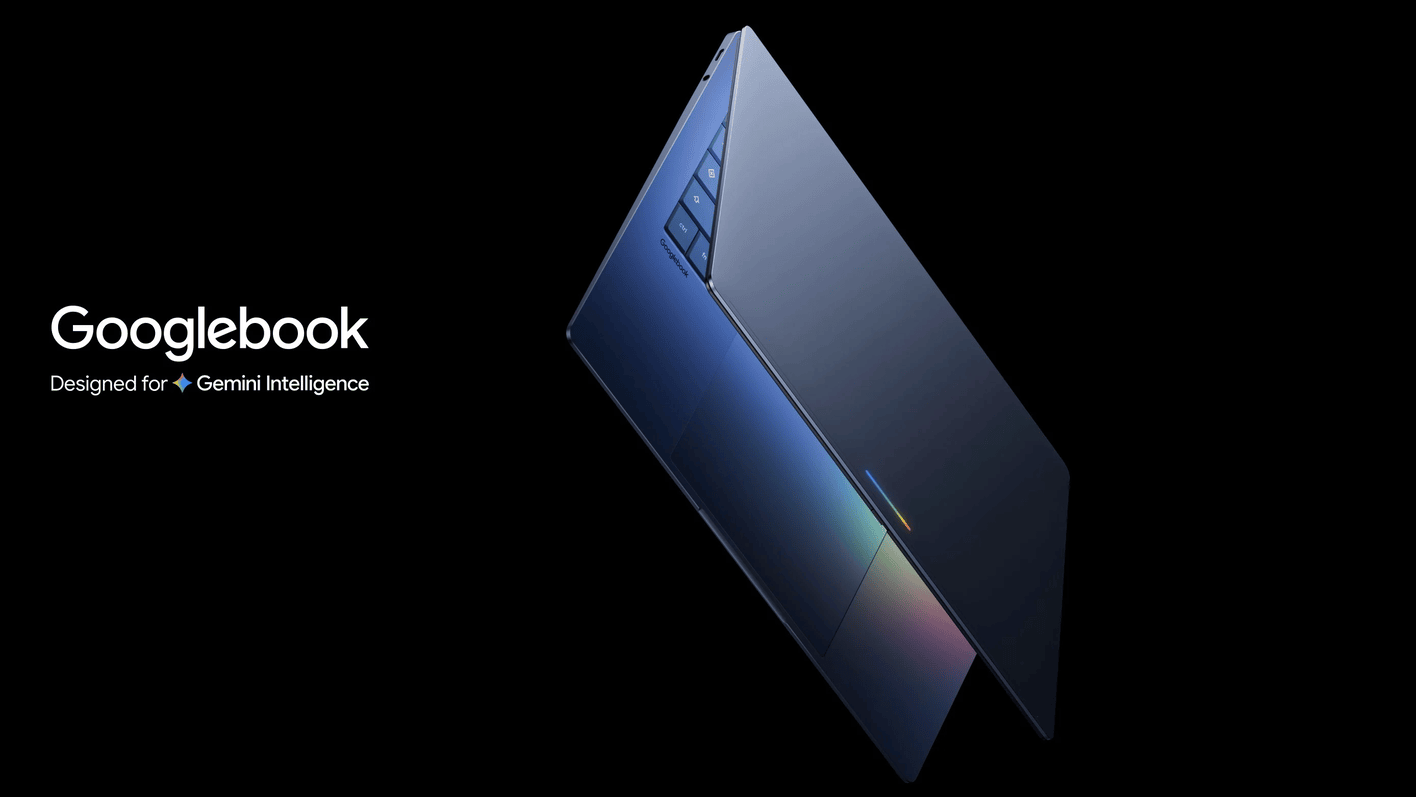
Google’s Android Show was less about phones and more about Gemini becoming a full device layer. Latest Googlebooks, Magic Pointer, AI browsing, smart widgets, dictation, and app agents show Google’s bigger AI plan.
Details:
Googlebooks are Gemini-native laptops built with Dell, HP, Lenovo, Acer, and Asus. They ship this fall with Android apps, files, Google Play, ChromeOS parts, and the new Magic Pointer AI cursor
Gemini Intelligence is Google’s cross-device brain. It can read on-screen context, work inside apps, handle agentic tasks, and connect phones, laptops, cars, watches, glasses, and more
Google also showed Create My Widget, Rambler dictation that removes filler words, Gemini auto-browse in Chrome, Auto upgrades, security tools, better sharing, and new 3D emoji features
The big signal is simple: Gemini is moving from chatbot to device operator. Google wants AI in hardware, cursors, browsers, apps, and daily tasks.
Top AI & SaaS Tools
ResumeUp AI (Life-time Deal): AI-powered tool that creates ATS-friendly resumes and cover letters, optimizes LinkedIn profiles, and helps track job applications
Pipali: AI coworker that runs on your computer and performs a wide range of computer tasks by interacting with your files, browser, and apps [F-R-E-E to Try]
Krea 2: Gives creators a newer image‑generation workflow for polished visual experiments, quickly going viral on X for rivaling Midjourney’s style
Google AI Edge Eloquent App: Google released this iOS app—an offline-first dictation tool that uses on-device, Gemma-based ASR models to transcribe speech [F-R-E-E]
Adaptive: Always-on PC that runs AI agents to automate software tasks, learns your preferences, and runs on a schedule without supervision [F-R-E-E]
One brand built 30+ landing pages through Viktor without a single developer.
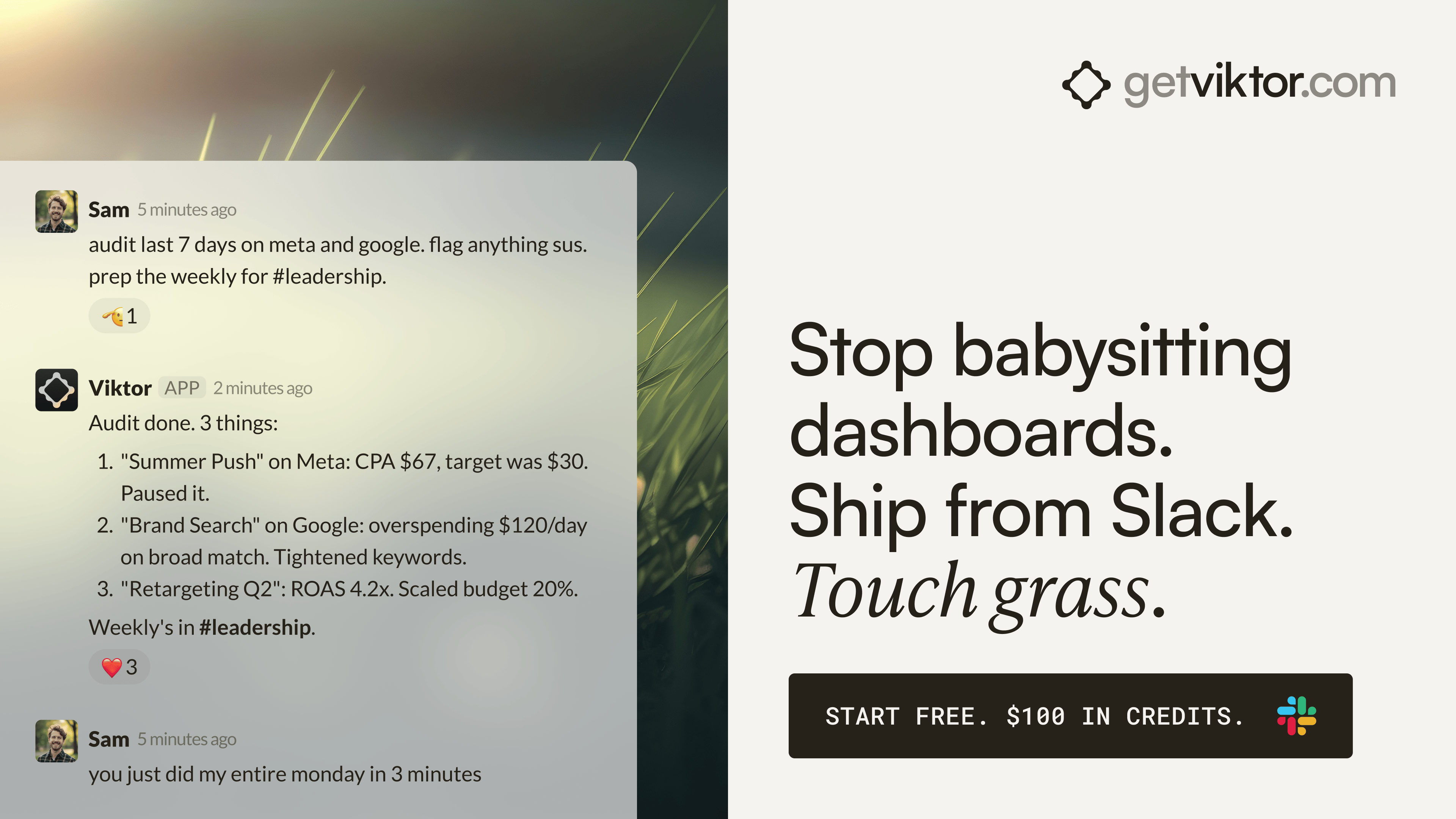
Each page mapped to a specific ad group. All deployed within hours. Viktor wrote the code and shipped every one from a Slack message.
That same team has Viktor monitoring ad accounts across the portfolio and posting performance briefs before the day starts. One colleague. Always on. Across every account.
5,700+ teams. 3,000+ integrations.
AI Tutorial
How to Use OpenRouter Fusion to Compare AI Models
Different AI models are good at different tasks. This guide shows you how to run one prompt across several models and build your own simple model cheat sheet.
Create OpenRouter account
Create an OpenRouter account and go to OpenRouter Fusion. This is where you can test one prompt across multiple AI models in one place.
Pick payment setup
Choose how you want to pay for usage. You can use:
OpenRouter credits
API keys you already pay for
Use credits if you want the simplest setup.
Choose models
Select the models you want to compare. For example:
Opus 4.7
GPT 5.5
Grok
The goal is to find best model for your exact task.
Run one prompt
Use one benchmark prompt per test. Keep the prompt identical for every model. Do not change the wording, tone, or details. This makes the comparison fair.
Use real work prompt
Test with a practical prompt.
Example:
“You are helping a small coaching business decide whether to replace weekly team calls with async written updates. Write a short memo with 3 benefits, 3 risks, and a 2-week rollout plan. Keep it practical.”Compare responses
Read the outputs side by side and see:
Which one follows the prompt best
Which one gives the clearest answer
Which one gives the most useful plan
Build cheat sheet
Write down which model wins for each task.
Example:
Strategy memo: Model ASocial post: Model BTechnical explanation: Model C
After a few tests, you will know which model to use. About 10 comparisons cost around 40 cents.
Note: Use the same prompt every time, but also keep the same context. If one model gets extra background and another does not, the test is no longer fair.
Top AI & Tech News
Meta is rolling out its Muse Spark model to power Meta AI with quicker voice responses, smarter shopping, and real‑time camera‑based recognition
Google exploring space‑based data centers with SpaceX, aiming to place AI computing infrastructure in orbit to overcome energy, cooling, and land constraints on Earth
Amazon’s AI “tokenmaxxing” drive has led staff to game its MeshClaw agent to waste tokens, as usage metrics turn token spend into an internal contest
Rivian launched an AI assistant in its EVs that controls vehicle hardware and handles agentic tasks via a steering‑wheel button or “Hey Rivian”
AI Art Spotlight

Create Your Own Photo Like This Using the Prompt Below:
Use model (the person in the image) you create a dark orange studio photo featuring a young man sitting casually on a metal folding chair with his legs cross. He's wearing a denim black baggy jeans, black t-shirt and black boots. The lightning is soft and minimal, producing sharp shadows and a moody atmosphere. His pose is relaxed, slightly leaning with one hand on the chair's backrest, his face turn to the side and modern aesthetic.Model: ChatGPT Images 2.0
Prompt of the Day
The Ultimate Brain Workout Prompt

This prompt is designed to help you build a daily “mind gym” practice by guiding you through a series of thoughtful, one by one questions that uncover how your brain works, where you struggle, and what may be holding you back. By digging into your patterns, habits, and thinking style, it creates a clear picture of your cognitive strengths and weaknesses.
Featured AI Video
Create Seamless AI Films of ANY Length (GPT Image 2 + Seedance 2.0)
Want Weekly Creator Playbooks to Grow on Social?

Want to stand out and grow your social presence? Join 10K+ creators getting weekly playbooks to build a creator business that pays.
Unlock $10,000+ Worth of F-R-E-E Creator Blueprints, including: 👇
|
|