- AI PlanetX
- Posts
- Apple Picks Gemini Over OpenAI

In partnership with


Welcome to another edition of AI PlanetX.
Apple picks Google Gemini over OpenAI and Anthropic; Claude becomes an autonomous digital coworker; DeepSeek founder’s hedge fund delivers 50%+ returns.
Inside This Edition: 💎
Hottest AI News
Top AI & SaaS Tools
AI Tutorial: Turn Ideas into LinkedIn Carousels
Top AI & Tech News
AI Art Spotlight
Prompt of the Day: Strategic Prompt for Rigorous Reasoning
AI Video Tutorial
Course of the Day: Master AI-Powered Coding with Cursor
Hottest AI News
Apple
Apple Chooses Google Gemini After Testing OpenAI and Anthropic

Official: Apple partnered with Google to use Gemini models for next-generation AI features, including Siri. After reviewing OpenAI and Anthropic, Apple said Google offered the strongest foundation for better user experiences.
Details:
This multi-year, non-exclusive deal could cost Apple about $1 billion for Gemini cloud and model tech. It signals a shift away from Apple’s usual vertical integration approach
After criticism that “Apple Intelligence” lacks competitors’ wow factor, Apple aims to use this partnership to launch a delayed, revamped, privacy-first Siri this spring
The deal moves forward despite legal pressure, including a federal antitrust ruling. The ruling banned Google’s long-term search contracts and cited the $38 billion paid to Apple as evidence of an illegal monopoly
As these tech giants face competitive and legal pressures, attention turns to whether this partnership can deliver the upgraded AI experience iPhone users expect later this year.
Create how-to video guides fast and easy with AI
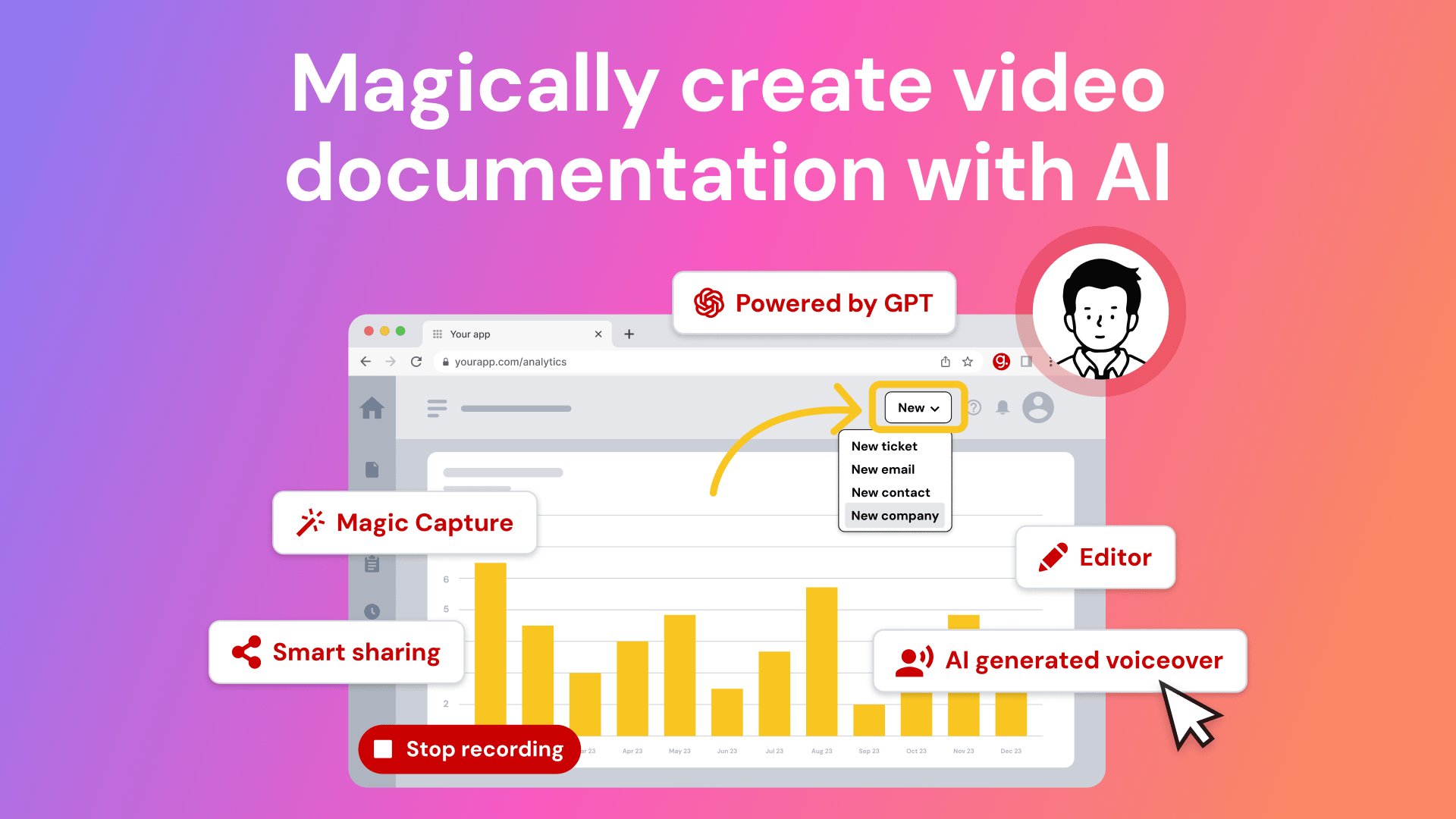
Tired of explaining the same thing over and over again to your colleagues?
It’s time to delegate that work to AI. Guidde is a GPT-powered tool that helps you explain the most complex tasks in seconds with AI-generated documentation.
1️⃣Share or embed your guide anywhere
2️⃣Turn boring documentation into stunning visual guides
3️⃣Save valuable time by creating video documentation 11x faster
Simply click capture on the browser extension and the app will automatically generate step-by-step video guides complete with visuals, voiceover and call to action.
The best part? The extension is 100% free
Anthropic
Anthropic Launches Cowork to Turn Claude into an Autonomous Digital Employee

Anthropic introduced “Cowork” in the Claude Desktop app, bringing Claude Code style agent abilities to regular users. It removes command-line friction and lets Claude actively complete complex tasks, not just chat about them.
Details:
Users pick a folder as a sandbox. Claude can read, edit, and organize files there. It can build expense reports from photos, manage media, or do deep research with minimal supervision
It’s in research preview for Max subscribers. It aims to deliver a consumer “do it for me” experience. Rivals like Google and xAI don’t yet offer this as a native desktop or browser feature
It runs on the Claude Agent SDK to chain actions without constant input. Anthropic warns unclear prompts can be risky. Be specific to avoid issues like prompt injection or accidental file deletion
Inspired by devs who were already using Claude’s coding tools for administrative work, Cowork democratizes agentic AI by making it safe and easy to deploy for everyday productivity.
Top AI & SaaS Tools
MyClone (Life-time Deal): Turns your knowledge, voice, and experience into AI “twins” that engage prospects 24/7 through voice and text
Atlas: Create maps, run analysis, and build spatial apps with AI - no GIS specialists required [F-R-E-E]
Alpine: An all‑in‑one workplace app uniting docs, tasks, and chat with a company‑wide feed and fully context‑aware AI agents [F-R-E-E]
Voquill: An open‑source alternative to WisprFlow that lets you type up to 4× quicker using voice [F-R-E-E]
NousCoder-14B: Solves competitive programming problems at a 2100–2200 Codeforces level, with ~68% success on typical contest tasks [F-R-E-E]
Learn AI in 5 minutes a day

What’s the secret to staying ahead of the curve in the world of AI? Information. Luckily, you can join 1,000,000+ early adopters reading The Rundown AI — the free newsletter that makes you smarter on AI with just a 5-minute read per day.
AI Tutorial
How to Turn Ideas into LinkedIn Carousels Using ChatGPT and Canva

You don’t need advanced design skills or hours of work to create high quality LinkedIn carousels. This guide shows you a simple workflow to write the content and design the slides in minutes using ChatGPT and Canva together.
Enter right workspace
Start in ChatGPT and initiate a fresh chat. Tap the + button, then More, and choose Canvas so you can draft and edit longer content smoothly.
Define carousel structure
Before writing, decide what the carousel must do. This keeps the output focused and usable for LinkedIn.
Key structure to keep in mind:
Slide 1 sets the hook
Middle slides teach one idea each
Final slide tells the reader what to do next
Generate first draft
Ask ChatGPT to write the carousel copy directly in Canvas. Be specific about length and purpose so it fits carousel slides.
Example prompt you can use:
Write a 6-slide LinkedIn carousel about “building authority on LinkedIn.”• Slide 1: Bold hook that stops scrolling• Slides 2 to 5: One practical insight per slide• Slide 6: Simple CTAKeep each slide under 35 words. Clear, direct language.Refine and tighten content
Read through each slide and polish the wording. This is where you improve clarity and flow. Focus on shorter sentences, one idea per slide, and removing filler words.
Turn copy into visual carousel
Once the text is final, activate Canva from ChatGPT and give a precise design instruction.
Example prompt:
@canva create a 6-slide LinkedIn carousel using this content: [paste slides].Style: clean and modern, white background, dark text, subtle accent color, large headings.Do not change the wording.Review design options
ChatGPT will show multiple design variations. Take a moment to compare them.
Look for:
Readability on mobile
Clear visual hierarchy
Enough spacing around text
Fine-tune in Canva
Press the Canva link to open the carousel in the editor. Make small adjustments only if needed, such as font size, alignment, or spacing.
Export in right format
When finished, download your carousel based on how you plan to post it.
Use PDF for LinkedIn document posts.
Use PNG if you want to upload slides individually.
Note: Make the hook slide specific and outcome driven. Clear promises perform better than vague or clever wording.
Top AI & Tech News
DeepSeek founder Liang Wenfeng’s quantitative hedge fund generated returns of more than 50% last year
OpenAI announced the acquisition of Torch, a healthcare startup that consolidates lab results, medications, and visit recordings
Salesforce rolled out a major generative-AI Slackbot update that finds info, drafts messages, schedules meetings, and links apps
Microsoft announced a U.S. data-center initiative to reduce local water use, publish regional water-use data and replenish more water than its facilities consume
AI Art Spotlight
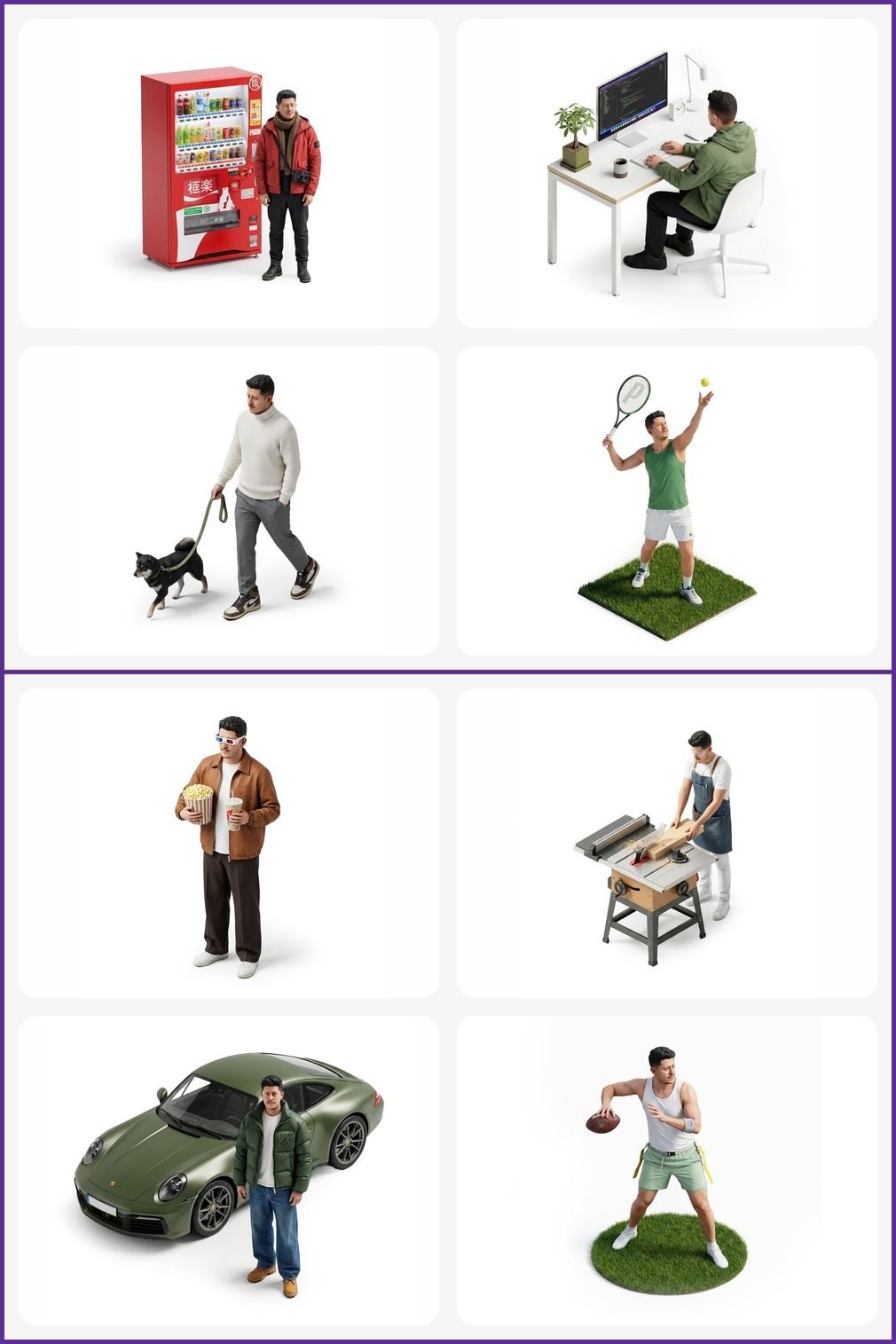
Go to Nano Banana Pro, upload a selfie, and use the prompt below:
Make a miniature, full-body, isometric, realistic figurine of this person, wearing ABC, doing XYZ, on a white background, minimal, 4K resolution.Model: Nano Banana Pro
Prompt of the Day
Strategic Prompt for Rigorous Reasoning and Planning with Gemini
This prompt directs Gemini to act as a disciplined reasoner and planner, methodically evaluating logical dependencies constraints and risks before taking any action. It requires Gemini to order operations resolve conflicts verify information availability and assess consequences while forming and testing hypotheses with precision and patience.
Top AI Video Tutorial
How I Actually Make an AI Voice Sound Real
AI Course of the Day
Master AI-Powered Coding with Cursor

Cursor Learn is a hands-on training program designed to help developers master Cursor, the AI-powered coding environment that accelerates software creation. The course walks you through the full Cursor workflow, from setting up the IDE to using AI-assisted editing, fixes, refactoring, code generation, and repository-wide changes.