- AI PlanetX
- Posts
- Google Unveils Automated AI Lab

In partnership with


Welcome to another edition of AI PlanetX.
DeepMind builds an automated research lab in the UK; Nomos 1 wins a top math prize; Disney invests $1B in OpenAI to power AI-made animations.
Inside This Edition: 💎
Hottest AI News
Top AI & SaaS Tools
AI Tutorial: Automate Any Digital Task in Ripplica
Top AI & Tech News
AI Art Spotlight
Prompt of the Day: 10 Psychological Prompt Tricks
AI Video Tutorial
Weekly Creator Playbooks to Grow on Social
Hottest AI News
DeepMind
Google DeepMind Plans Automated Research Lab In UK

Google DeepMind has officially unveiled plans to open its first "automated research lab" in the UK next year, solidifying a partnership that gives British scientists some of the world’s most advanced AI tools.
Details:
The facility will utilize a combination of AI and robotics to autonomously conduct experiments, specifically targeting the development of fresh materials for semiconductors and superconductors
This collaboration extends into the public sector with plans to deploy Gemini models across government and education systems, while also applying deep research to critical areas like nuclear fusion
Founded in London in 2010 before its 2014 Google acquisition, the company’s latest move follows a recent $40 billion industry investment pledge made during President Trump's state visit to support the UK's national AI strategy
This agreement shows how UK–US tech collaboration can drive cleaner energy, smarter public services, and real benefits for citizens.
Create how-to video guides fast and easy with AI
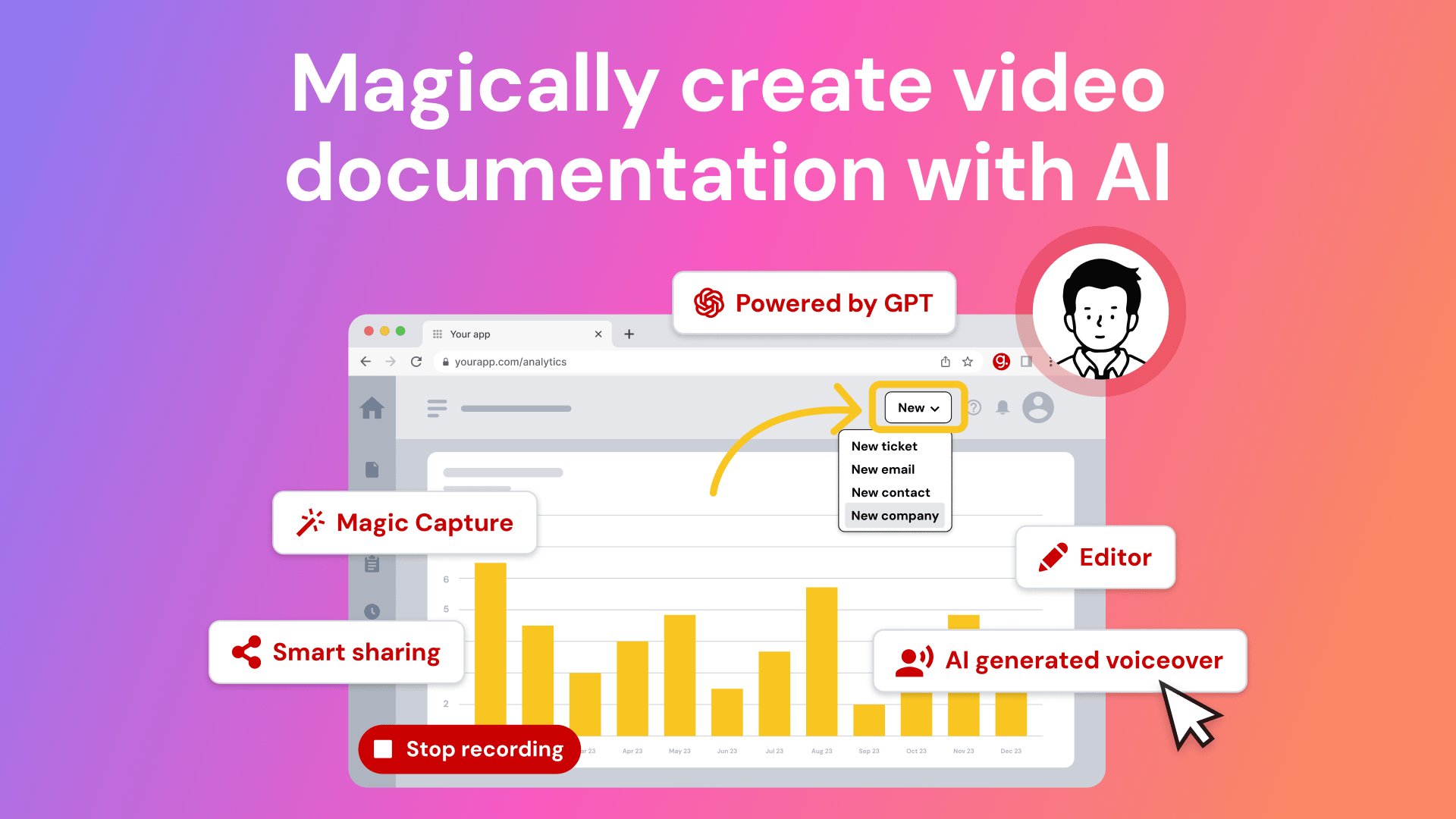
Tired of explaining the same thing over and over again to your colleagues?
It’s time to delegate that work to AI. Guidde is a GPT-powered tool that helps you explain the most complex tasks in seconds with AI-generated documentation.
1️⃣Share or embed your guide anywhere
2️⃣Turn boring documentation into stunning visual guides
3️⃣Save valuable time by creating video documentation 11x faster
Simply click capture on the browser extension and the app will automatically generate step-by-step video guides complete with visuals, voiceover and call to action.
The best part? The extension is 100% free
Nous Research
Nomos 1 Dominates Prestigious Math Competition

Nous Research has officially open-sourced Nomos 1, a 30B-parameter reasoning system that just crushed the 2025 Putnam Contest with a score of 87 out of 120, dramatically outperforming previous AI attempts.
Details:
This performance included eight perfect problem scores and would have placed the model second overall among nearly 4,000 human competitors, marking a massive first step toward creating a SOTA AI mathematician
The system utilizes a unique two-phase architecture where AI "workers" attempt to solve and self-critique problems, followed by a finalization phase that uses a tournament-style bracket to select the single best submission
While the team also open-sourced the orchestration harness used to manage these tasks, the gains are clearly driven by post-training and data quality, as the rival Qwen 3 model scored only 24/120 when run through the exact same setup
With a small, open model taking down one of the world's most prestigious math competitions, the entire field is witnessing a pivotal moment for AI-driven reasoning.
Top AI & SaaS Tools
Waldium (Life-time Deal): Autonomous AI blogging platform that researches, writes, hosts, and optimizes company blog content
Pomelli: Google announced an “Animate” feature that uses Veo 3.1 to turn Pomelli content into on-brand animations, available in the US, Canada, Australia, and New Zealand [F-R-E-E]
Orchids: First vibe coding IDE that builds, watches, and listens like a human, combining agent, editor, browser, Supabase, and Stripe locally [F-R-E-E]
Scouts: AI agent teams that continuously monitor the web for things you specify (like listings, news, products, jobs, or events) and send you regular updates [F-R-E-E]
ClickUp 4.0: Productivity platform that combines tasks, docs, chat, and AI with complete context to replace 50+ apps [F-R-E-E]
But what can you actually DO about the proclaimed ‘AI bubble’? Billionaires know an alternative…

Sure, if you held your stocks since the dotcom bubble, you would’ve been up—eventually. But three years after the dot-com bust the S&P 500 was still far down from its peak. So, how else can you invest when almost every market is tied to stocks?
Lo and behold, billionaires have an alternative way to diversify: allocate to a physical asset class that outpaced the S&P by 15% from 1995 to 2025, with almost no correlation to equities. It’s part of a massive global market, long leveraged by the ultra-wealthy (Bezos, Gates, Rockefellers etc).
Contemporary and post-war art.
Masterworks lets you invest in multimillion-dollar artworks featuring legends like Banksy, Basquiat, and Picasso—without needing millions. Over 70,000 members have together invested more than $1.2 billion across over 500 artworks. So far, 25 sales have delivered net annualized returns like 14.6%, 17.6%, and 17.8%.*
Want access?
Investing involves risk. Past performance not indicative of future returns. Reg A disclosures at masterworks.com/cd
AI Tutorial
How to Automate Any Digital Task in Ripplica, Such as Checking YouTube Stats

Ripplica makes it easy to automate everyday tasks, including checking your YouTube video stats. This tutorial will help you create a workflow that runs on its own and gathers your analytics on a schedule.
Log into Ripplica
Launch Ripplica and create a fresh workflow. Give it a clear name like “Auto-Check YouTube Video Stats” so you can easily identify it later.
Set Trigger
Choose when the workflow should begin running. Pick a schedule or event that matches how often you want fresh video data.
Add First AI Action
Teach Ripplica the process by:
Recording your screen while you perform the full task
Uploading a short demo video of the exact steps
Using a clean sample recording that shows the same flow
This gives the AI a clear understanding of the action sequence.
Write Steps in Natural Language
If you prefer text, describe the workflow clearly, for example:
“Go to YouTube Studio, search for your video, select it, then go to the analytics tab to view and record the number of views, likes, and comments.”Provide Needed Inputs
Some workflows need extra info before they can run, such as:
YouTube login credentials
The exact video link or title
Output format you want Ripplica to generate
Review and Adjust
Go through your workflow and check if any steps are unclear or incomplete. Make small fixes so the AI can follow everything accurately.
Save, Test, and Run
Save the workflow and run a quick test. Adjust anything that doesn’t work as expected, then activate it so it runs automatically on your chosen schedule.
Note: Run the workflow on a flexible schedule at first, then tighten it once you’re confident it performs exactly as expected.
Top AI & Tech News
Disney and OpenAI signed a three-year deal, including a $1 billion Disney equity investment in OpenAI, to use Sora and ChatGPT Images for short animated videos and illustrated characters
TIME Magazine’s 2025 Person of the Year is not a single individual but a group dubbed the “Architects of AI”: leading CEOs and researchers driving the global AI race
Opera’s AI-powered browser, Neon, is publicly available for $19.90/month. It gives subscribers leading AI models and agents designed to simplify web browsing
Adobe has launched F-R-E-E integrations for Photoshop, Acrobat, and Adobe Express directly inside ChatGPT
AI Art Spotlight

Create Your Own Photo Like This Using the Prompt Below:
{
  "reference": "Use the uploaded image as reference for the giant person's facial features, skin tone, eye shape, eyebrow characteristics, and overall appearance",
  "subject": {
    "main_character": "A photorealistic, living miniature man (Lilliputian size), not a plastic figure",
    "attire": "Casual gardening clothes, blue jeans, white t-shirt",
    "equipment": "A tiny, realistic red push-lawnmower"
  },
  "action": "The man is pushing the lawnmower over a giant human eyebrow, trimming the long eyebrow hairs as if mowing a lawn",
  "setting": {
    "location": "Extreme close-up macro view of a human forehead and closed eye (matching the uploaded reference image)",
    "surface_details": "Giant-scale skin texture, visible pores, wrinkles, and coarse eyebrow hair (matching the uploaded reference image's features)"
  },
  "style": [
    "Surreal conceptual photography",
    "Hyper-realistic",
    "Macro photography",
    "Humorous",
    "High contrast",
    "Sharp focus"
  ],
  "technical_details": {
    "lighting": "Hard, direct lighting mimicking sunlight to create distinct shadows on the skin",
    "camera": "Macro lens, shallow depth of field, focus on the miniature man and the eyebrow",
    "resolution": "8k, ultra-detailed"
  }
}
Model: Nano Banana Pro
Prompt of the Day
10 Psychological Prompt Tricks That Make AI Weirdly Better

This Reddit post breaks down 10 specific prompt phrases that consistently change how AI responds — almost like cheat codes. Each “psychological trigger” prompt pushes the model into a different style of thinking: showing its full thought process, skipping obvious answers, going contrarian, stress-testing ideas, revealing blind spots, or splitting explanations for beginners vs experts.
Top AI Video Tutorial
100 AI Leaders Explain How to Build AI That Will Win in 2026
Want Weekly Creator Playbooks to Grow on Social?

Want to stand out and grow your social presence? Join 10K+ creators getting weekly playbooks to build a creator business that pays.
Unlock $10,000+ Worth of F-R-E-E Creator Blueprints, including: 👇
|
|