- AI PlanetX
- Posts
- MiniMax Dominates Gemini & Claude

In partnership with


Welcome to another edition of AI PlanetX.
MiniMax beats Gemini 3 Pro and Claude 4.5 Sonnet in coding tests; AI browser security concerns rise as data centers strain U.S. power grids.
Inside This Edition: 💎
Hottest AI News
Top AI & SaaS Tools
AI Tutorial: Build Apps Using Multiple Agents
Top AI & Tech News
AI Art Spotlight
Prompt of the Day: Turn Job Applications Into Interview
AI Video Tutorial
Weekly Creator Playbooks to Grow on Social
Hottest AI News
MiniMax
MiniMax Outscores Gemini 3 Pro and Claude 4.5 Sonnet on Programming Benchmarks

MiniMax has officially launched M2.1, an open-source powerhouse designed to revolutionize real-world coding and agentic workflows with state-of-the-art performance that rivals top closed-source models.
Details:
It runs on 10 billion active parameters, optimized for efficiency and “vibe builds.” The model delivers quick, concise responses across languages, including Rust, Java, and C++, with native support for Android and iOS dev
Built for agentic systems, it integrates smoothly with tools like Claude Code, Cline, and Droid. It handles long-horizon tool use and complex contexts such as Skill(.)md or cursorrules, enabling end-to-end automation
It leads benchmarks with 72.5% on SWE-multilingual and 88.6% on VIBE-bench, beating Gemini 3 Pro and Claude 4.5 Sonnet. The model is live via API, with full weights releasing on Hugging Face on Dec 25
With recommended vLLM settings (temperature = 1.0), M2.1 is built for high-stakes development, delivering a versatile, high-performance tool just in time for the holidays.
How can AI power your income?

Ready to transform artificial intelligence from a buzzword into your personal revenue generator
HubSpot’s groundbreaking guide "200+ AI-Powered Income Ideas" is your gateway to financial innovation in the digital age.
Inside you'll discover:
A curated collection of 200+ profitable opportunities spanning content creation, e-commerce, gaming, and emerging digital markets—each vetted for real-world potential
Step-by-step implementation guides designed for beginners, making AI accessible regardless of your technical background
Cutting-edge strategies aligned with current market trends, ensuring your ventures stay ahead of the curve
Download your guide today and unlock a future where artificial intelligence powers your success. Your next income stream is waiting.
OpenAI
OpenAI Admits AI Browsers May Never Be Fully Secure Against Attacks

OpenAI says prompt-injection risks in its Atlas AI browser can't be fully solved and sees agent security as an ongoing, high-stakes problem like web scams or social engineering.
Details:
The company deployed a novel "LLM-based automated attacker." Trained via reinforcement learning, it mimics a hacker’s mindset and stress-tests the system to find attack strategies and reasoning flaws before exploitation
Early demos showed why this is needed. Researchers used hidden text to trick agents into sending resignation emails instead of out-of-office replies. U.K. Cyber Security warns that prompt injection is a systemic risk to manage, not just stop
Experts warn "agentic" browsers may not yet be worth the risk. Giving AI sensitive data like inboxes or payments is dangerous. OpenAI advises avoiding broad "do whatever is needed" instructions and requiring confirmation for actions
While OpenAI pushes rapid patching and automated red-teaming, the industry agrees that running powerful AI on the open web means vulnerabilities won't disappear—they'll just evolve.
Top AI & SaaS Tools
Kavout (Life-time Deal): AI investment research platform that consolidates real-time market data, technical and fundamental signals, and news into clear, actionable insights
/agent by Firecrawl: A magic API that searches, navigates, and extracts data from complex or hard-to-reach websites [F-R-E-E]
Microsoft TRELLIS 2: Turn a text prompt or single image into a downloadable, textured 3D model you can drop into a game or AR scene [F-R-E-E]
Chatterbox Turbo: Open-source TTS model that delivers low-latency, expressive, zero-shot voice cloning with built-in watermarking
ClickUp Super Agents: Human-like AI agents that operate with human-level skills and full context across tasks, documents, schedules, and conversations [F-R-E-E]
Build smarter, not harder: meet Lindy
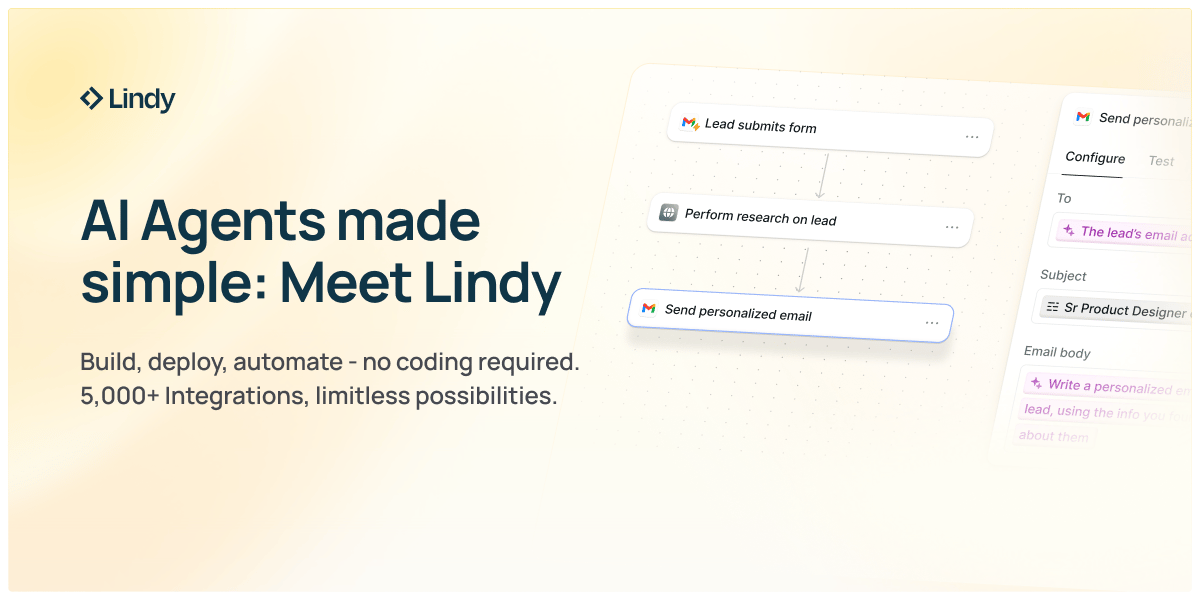
Tired of AI that just talks? Lindy actually executes.
Describe your task in plain English, and Lindy handles it—from building booking platforms to managing leads and sending team updates.
AI employees that work 24/7:
Sales automation
Customer support
Operations management
Focus on what matters. Let Lindy handle the rest.
AI Tutorial
How to Use Cursor 2.0’s Multi-Agent Feature to Build Apps More Quickly

If you’re still coding line by line, you’re missing out. Cursor 2.0 lets multiple agents collaborate like real teammates: one builds the UI, another codes the backend, and another handles integration.
Set Up Project
Create a folder named “note-taking-app.” Launch Cursor → tap “Open Project” → select or drag in the folder. Run
npm init -yto set up the project files.Generate Master Plan
Press “Agents” → “New Agent.”
Prompt example:
“Write Plan(.)md for a Note-Taking app using Next.js and Tailwind CSS. Assign tasks to two developer agents and include integration and README steps.”
Accept and save the Plan(.)md as your roadmap.
Assign Developer Agents
Create two agents:
Agent 1 prompt: “Start Dev 1 tasks — design UI, pages, and layout.”
Agent 2 prompt: “Start Dev 2 tasks — build API routes and logic for notes.”
Let both run in parallel, review outputs, and accept clean updates.
Merge and Integrate
Create another agent to connect their work.
Prompt: “Integrate Dev 1’s frontend with Dev 2’s backend. Ensure create, edit, and delete notes work.”
Check the merged app for any missing dependencies.
Add Design Polish
Ask one agent to refine visuals.
Prompt: “Enhance design with Tailwind CSS, add dark mode, and make layout responsive.”
Approve visual tweaks once the interface feels smooth.
Document App
Have one agent generate README(.)md with:
Setup commands
Running instructions
Short API overview
Test Everything
In Cursor’s terminal, run:
npm install
npm run dev
Visit localhost:3000 and test note creation, editing, and deletion.
Review and Optimize
Ask an agent:
“Scan for bugs or performance fixes. Suggest any optimizations.”
Apply improvements, commit your code, and you’re done — a fully working Note-Taking app built by multiple AI agents working together.
Note: Keep integration steps separate — merging too early can confuse the agents.
Top AI & Tech News
AI-driven demand from data centers is raising electricity needs on U.S. grids, causing operators to keep older, polluting “peaker” plants running instead of retiring them
60 of the biggest and most groundbreaking AI announcements from Google AI in 2025
CrimeRadar apologised after a BBC investigation found its AI-powered app had sent misleading and false crime alerts to users across the US
Five predictions for how AI will reshape media and newsrooms in 2026 — from automated reporting to verification challenges and revenue experiments
AI Art Spotlight

Create Your Own Photo Like This Using the Prompt Below:
{
  "prompt": "A 64K DSLR resolution portrait of a young man with short dark curly hair and a well-groomed beard, standing confidently in a bright neon-lit urban street at night. **Use the uploaded image as the reference face for the person.** He is wearing a white striped baseball-style shirt, a light inner shirt, cargo pants, a necklace, and a crossbody bag. He is extending his index finger forward towards the camera lens in a dynamic gesture. The image features a smartphone video recording aesthetic with visible on-screen UI overlays: 'REC 00:00:00', '8K/60fps', frame brackets, and mode indicators like 'VIDEO' and 'CINEMATIC'. The background features colorful city lights and blurred passersby with a soft bokeh effect. Cinematic lighting, slight motion blur, wide-angle perspective. Octane render, Unreal Engine 5 style.",
  "negative_prompt": "cartoon, illustration, anime, low quality, pixelated, blurry, bad anatomy, deformed hands, extra fingers, missing limbs, bad proportions, watermark (except for requested UI overlays)",
  "aspect_ratio": "9:16",
  "width": 1080,
  "height": 1920,
  "model_version": "v6.0_or_latest",
  "reference_image": "uploaded_face_reference.jpg",
  "face_reference_strength": 0.85
}
Model: Nano Banana Pro
Prompt of the Day
7 AI Prompts That Turn Job Applications Into Interview Invitations
These 7 prompts help you rewrite your resume to show real impact, craft distinctive cover letters that stand out, message recruiters in ways that get replies, prepare natural interview answers, and send polite follow-ups — all to turn silence into callbacks.
Top AI Video Tutorial
AI Creators Will Become the Next Generation of Billionaires — Here’s How
Want Weekly Creator Playbooks to Grow on Social?

Want to stand out and grow your social presence? Join 10K+ creators getting weekly playbooks to build a creator business that pays.
Unlock $10,000+ Worth of F-R-E-E Creator Blueprints, including: 👇
|
|