- AI PlanetX
- Posts
- OpenAI Adds ChatGPT Pro Tier

In partnership with


Welcome to another edition of AI PlanetX.
OpenAI launched a $100 tier, Perplexity expanded into personal finance, and Amazon defended its $200B AI investment with first revenue figures.
Inside This Edition: 💎
Hottest AI News
Top AI & SaaS Tools
AI Tutorial: Record & Summarize Call with AI
Top AI & Tech News
AI Art Spotlight
Prompt of the Day: OpenAI Engineers’ Prompt Trick
Featured AI Video
Course of the Day: Vibe Coding Course - Gemini 3.1
Hottest AI News
OpenAI
OpenAI Launches $100 ChatGPT Tier to Rival Claude

OpenAI has launched $100/month ChatGPT Pro plan, finally bridging the long price gap between $20 Plus and $200 Pro. Built around Codex-heavy workflows, it targets developers and challenges Claude’s $100 tier.
Details:
The full lineup spans free and $8 Go, $20 Plus, the $100 Pro, and the still-available $200 Pro that no longer appears on the pricing page. OpenAI says none of the plans are unlimited
$100 tier offers 5× the coding capacity of Plus for daily Codex use, with temporarily higher limits. The $200 plan has the same features but increases limits to 20× Plus for parallel work
OpenAI positions the move against Anthropic, saying Codex delivers better coding capacity per dollar. It adds that Codex serves 3M+ weekly users, up 5× in 3 months and 70% month over month
This launch shows AI coding has become its own subscription battleground: more tiers, tighter competition, and usage growth strong enough to justify pricing.
Turn AI into Your Income Engine

Ready to transform artificial intelligence from a buzzword into your personal revenue generator?
HubSpot’s groundbreaking guide "200+ AI-Powered Income Ideas" is your gateway to financial innovation in the digital age.
Inside you'll discover:
A curated collection of 200+ profitable opportunities spanning content creation, e-commerce, gaming, and emerging digital markets—each vetted for real-world potential
Step-by-step implementation guides designed for beginners, making AI accessible regardless of your technical background
Cutting-edge strategies aligned with current market trends, ensuring your ventures stay ahead of the curve
Download your guide today and unlock a future where artificial intelligence powers your success. Your next income stream is waiting.
Perplexity
Perplexity Turns Computer Into a Full Personal Finance Tool

Perplexity is turning its Computer agent into a full personal finance hub with latest Plaid integration, letting users securely connect accounts, track balances, and generate AI-built money tools as growth surges.
Details:
Plaid’s network connects over 12,000 sources to bring checking, credit, loan, and investment data into Computer. This lets users safely see their account balances, debts, and investments in one place
Using simple prompts, the agent can build budgets, net worth trackers, debt payoff plans, and retirement dashboards, effectively creating custom finance tools without the usual spreadsheet setup
This follows its U.S. tax workflow that auto-fills IRS forms and reviews pro-prepared returns, extending the agentic push that drove ARR past $450M in March, a 50% jump in a single month
From taxes to full balance-sheet visibility, Perplexity is quickly becoming an AI operating layer for personal finance, not just search and answers.
Top AI & SaaS Tools
Writingmate (Life-time Deal): One app with 200+ AI models (OpenAI, Anthropic, Google, etc.) to create text, images, and video from a single workspace
MiroThinker: Deep-reasoning AI research assistant that focuses on prediction, verification, and science-based multi-step analysis [F-R-E-E]
Nut Studio: No-code AI agent builder that allows users to quickly deploy personal AI agents on their own computers without any technical setup [F-R-E-E Trial]
Vaultr: Personal finance app for professionals that uses AI to simplify transaction tracking, budgeting, and bill management [F-R-E-E]
PromptEditor: Adds a button to AI chat responses that opens a sidebar where you can easily edit, customize, and resend replies without leaving chat [F-R-E-E]
Your AI is resolving tickets. Is it keeping customers?

Resolution rates look great. But Gladly's 2026 Customer Expectations Report reveals the metric most CIOs are missing — and what the data says about where AI investments actually translate into retention, not just throughput.
AI Tutorial
How to Record and Summarize Any iPhone Call with AI
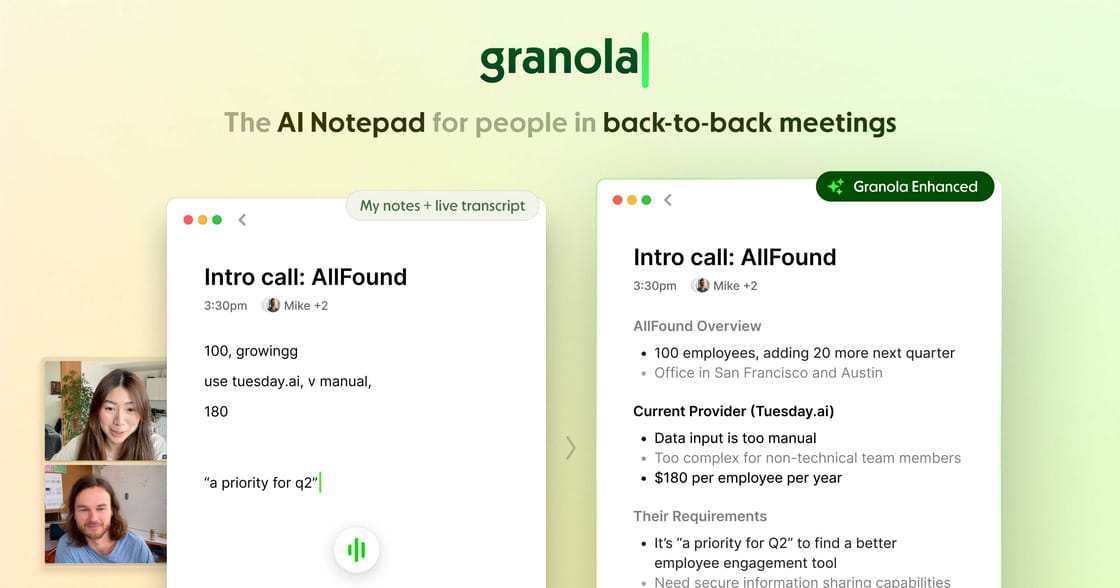
Most people know AI notetakers for Zoom calls, but you can also use them for regular iPhone calls. In this tutorial, I’ll show you how to set up Granola for both outgoing and incoming calls.
Download Granola
Install Granola from the App Store and launch the app on your iPhone. This is where the setup begins.
Start Phone Setup
Tap the phone icon in the bottom-left corner to start connecting your number. This allows Granola to work with your regular phone calls.
Verify Number
Enter your phone number and follow the verification instructions shown in the app.
This may include:
entering the verification code
confirming your number
allowing required permissions
Make Outbound Call
To start a call with AI note-taking:
tap the phone button
choose a contact or type a phone number
place the call as normal
The call works like any regular iPhone call, but Granola listens in the background.
End Call
When the conversation is finished, hang up normally. You don’t need to do anything extra during or after the call.
Review AI Notes
Wait about a minute after hanging up. Granola will generate:
a summary of the conversation
action items
anything important worth remembering
Use It for Inbound Calls
For incoming calls, launch the app and create a fresh note before or during the call. It can still help with transcription, but for inbound calls it will capture your voice.
Tip: Always let the other person know the call may be recorded or transcribed if required by local laws.
Top AI & Tech News
Amazon CEO Andy Jassy shared the shareholder letter with the first AI revenue figures, defended the $200B capex, dismissed bubble concerns, and proposed selling Trainium chips externally
Florida Attorney General James Uthmeier is investigating OpenAI over concerns related to public safety and national security
CoreWeave, a cloud infrastructure firm backed by Nvidia, has signed a multi-year deal with AI startup Anthropic to supply cloud computing capacity for Claude
Oxford researchers developed an AI that detects hidden heart fat changes in routine CT scans, predicting heart failure risk up to five years ahead with 86% accuracy
AI Art Spotlight

Create Your Own Team Stickers Like This Using the Prompt Below:
A 3x3 grid of 9 sticker cards featuring iconic moments and players from [TEAM], each sticker showing a different player or legend in their most memorable on-pitch moment with a vivid background scene, signature expression and body language, jersey number and kit clearly visible, organic sticker shape with thick white border and drop shadow following the natural outline, player name in bold black text below each sticker, clean white background, cinematic semi-realistic 3D cartoon art style, varied sticker shapes across the grid, high detailModel: Nano Banana 2
Prompt of the Day
OpenAI Engineers Use This Prompt Trick You’ve Never Heard Of
This X thread explains reverse prompting: instead of guessing prompts and getting generic output, you paste in a strong finished piece you like (yours or someone else’s) and ask, “What exact prompt would generate this?” The model reverse-engineers the tone, structure, pacing, depth, formatting, and style into a clean, reusable prompt template you can use again.
Featured AI Video
Seedance 2.0 Officially Public! Full Prompting Tutorial (Claude + Higgsfield)
AI Course of the Day
Vibe Coding: Full Course — Gemini 3.1 + Antigravity (6 Hours) [YouTube]

Build real web apps with AI — set up Antigravity and Gemini/Claude, design UIs, build Next.js + Tailwind frontends, secure Supabase with RLS and server-side validation, add auth, deploy, and ship monetizable projects with step-by-step prompts, reusable workflows, and debugging/iteration techniques.